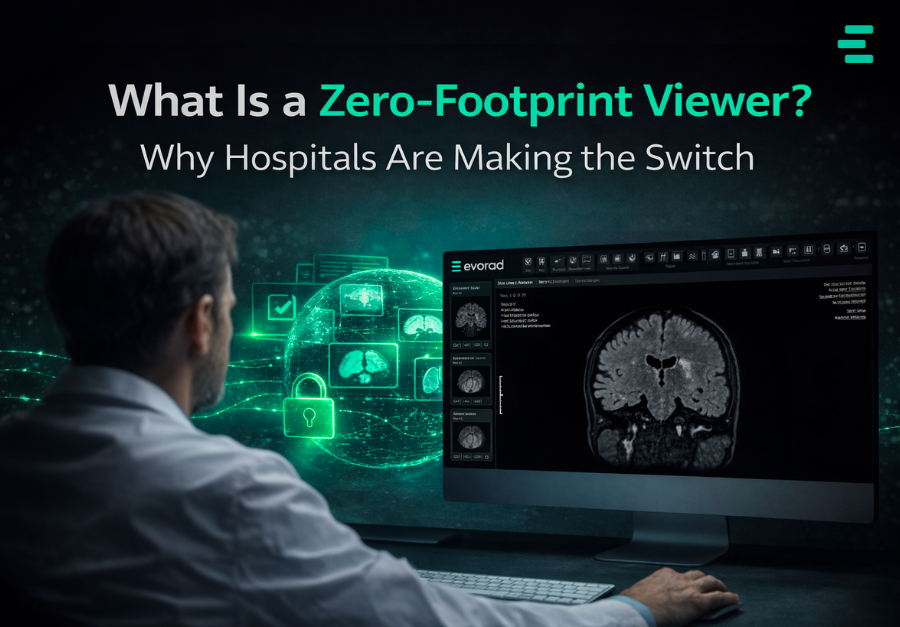
A zero-footprint viewer is a browser-based application that allows radiologists and clinicians to view medical images without installing any software on their local device. The term “zero-footprint” means the viewer leaves no trace on the user’s computer—no downloads, no plugins, no client software to maintain. Users simply open a web browser, authenticate, and start viewing diagnostic images.
This approach represents a fundamental shift from traditional PACS viewers, which require dedicated workstations with specialized software installations. Modern solutions like evoViewer’s zero-footprint diagnostic viewer demonstrate how browser-based architecture can deliver full diagnostic capability without local installation overhead. As healthcare systems expand across multiple sites and remote reading becomes standard practice, zero-footprint viewers have moved from a convenience feature to an operational necessity.
How Zero-Footprint Viewers Work
Traditional PACS viewers process images locally. The software downloads DICOM files to the workstation, then uses local computing power to render and display them. This architecture made sense when radiology reading happened exclusively in hospital reading rooms with dedicated hardware.
Zero-footprint viewers flip this model. Image processing and rendering happen on centralized servers with direct, high-speed access to image storage. The server performs all the computational work—decompression, windowing, reconstruction—then streams only the visual output to the user’s browser. The radiologist sees a fully interactive diagnostic image, but the heavy lifting happens server-side.
This server-side rendering approach delivers several technical advantages:
Consistent performance: Image loading speed depends on server infrastructure, not the user’s local hardware or network conditions. A radiologist working from a laptop at home gets the same performance as someone in the hospital reading room.
Reduced bandwidth requirements: Instead of downloading entire studies (which can exceed one gigabyte for cardiac CT or PET-CT), the browser receives only rendered pixels. This dramatically reduces network load.
Universal device compatibility: Any device with a modern web browser can access diagnostic images—Windows, Mac, Linux, tablets, and even mobile devices in clinical settings.
Zero-Footprint vs. Traditional PACS Viewers: Key Differences
Understanding why hospitals are adopting zero-footprint viewers requires comparing them directly with traditional installed viewers.
Installation and Maintenance
Traditional viewers require installation on every workstation where radiologists read. Each installation must be configured, licensed, and maintained. When the vendor releases updates, IT must deploy them across all workstations, often requiring coordination with radiologists to avoid disrupting reading sessions.
Zero-footprint viewers eliminate this burden entirely. Updates happen server-side, taking effect immediately for all users without touching individual workstations. Radiologists can start reading within minutes of receiving login credentials.
Remote Access
This is where zero-footprint viewers offer their most compelling advantage. Traditional viewers typically require VPN connections for remote access, introducing the connection delays, stability issues, and security risks that frustrate remote radiologists. A browser-based PACS viewer bypasses VPN requirements entirely, connecting directly through secure HTTPS—the same encryption used for online banking.
According to the Health-ISAC Heartbeat Q1 2025 report, VPN vulnerabilities remained a consistent risk factor for healthcare organizations throughout 2024 and 2025. Zero-footprint architecture eliminates this while simplifying remote workflows—no VPN client to install, no connection to establish and maintain, no mid-session disconnections to recover from.
Why Hospitals Prefer Zero-Footprint Viewers
The shift toward zero-footprint viewing reflects broader changes in how radiology departments operate. Several factors are driving adoption.
Multi-Site Healthcare Systems
As health systems grow through mergers and acquisitions, they often inherit multiple legacy PACS installations. Radiologists covering these consolidated systems previously needed access to each facility’s viewer, sometimes requiring separate workstations or complex multi-PACS integrations.
Zero-footprint viewers can aggregate images from multiple entities into a single interface. A radiologist opens one browser tab and accesses studies from every connected facility.
Teleradiology and Remote Reading
Remote reading has become standard practice, whether for after-hours coverage, subspecialty consultations, or distributed reading teams. Healthcare leaders are planning to implement unified workflow platforms, recognizing that fragmented systems create inefficiencies that impact patient care.
Zero-footprint viewers make teleradiology operationally simple. Radiologists can read from home, from satellite offices, or while traveling—anywhere with internet access and a browser. No IT involvement is required for each new location.
Security and Compliance
Zero-footprint architecture offers significant security advantages. Because image processing happens server-side, no patient data is ever downloaded to the radiologist’s local device. This architecture simplifies compliance. If a radiologist’s laptop is lost or stolen, no patient data is at risk—there was never any patient data on the device. Access controls can be granular, limiting each user to specific facilities, modalities, or study types. Audit trails track exactly who viewed which studies and when.
Clinical Considerations: Is Zero-Footprint Diagnostic Quality?
A common question from radiologists evaluating zero-footprint viewers: can browser-based viewing match the diagnostic quality of installed workstations?
The answer depends on implementation. Modern web-based diagnostic viewers designed for clinical use deliver the full toolset radiologists require: advanced window/level controls, measurement tools, multiplanar reconstruction, comparison with priors, and support for specialty workflows like mammography and cardiac imaging.
Display quality remains critical. Zero-footprint viewing doesn’t eliminate the need for diagnostic-grade monitors where primary interpretation occurs. What it eliminates is the requirement for a specific operating system or installed software on the device driving those displays.
Performance is typically superior to traditional viewers. Server-side rendering with optimized streaming protocols delivers more responsive interaction than pushing raw image data across internet connections.
Implementation Considerations
Organizations evaluating zero-footprint viewers should consider several factors:
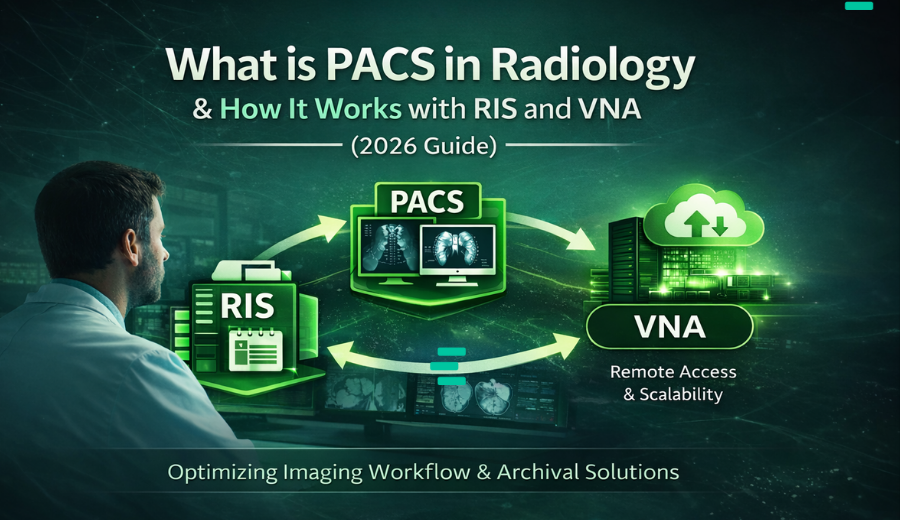
Integration with existing infrastructure: How does the viewer connect to your current PACS, RIS, and VNA? Look for solutions supporting standard protocols like DICOM and DICOMweb.
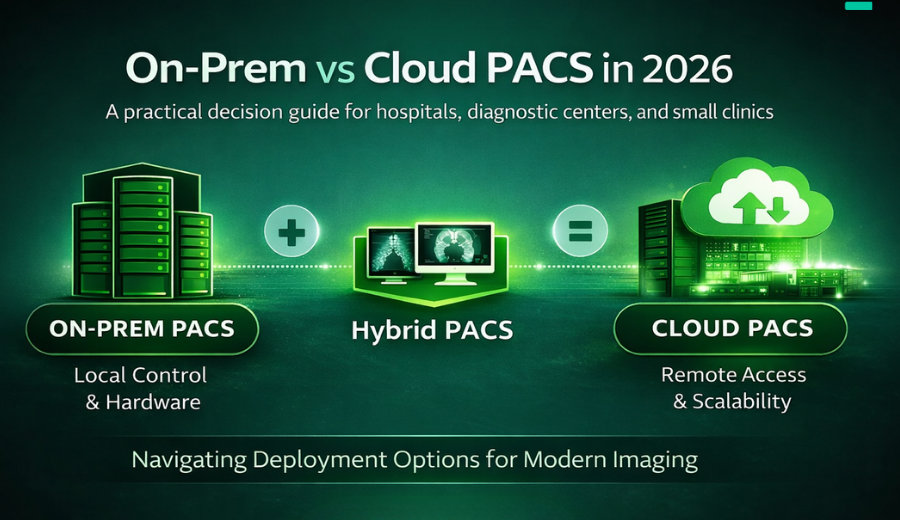
Deployment model: Zero-footprint viewers can be deployed on-premises, in the cloud, or in hybrid configurations. Each approach has implications for performance, data residency, and operational responsibility.
Specialty workflow support: Verify the viewer supports the specific modalities and reading workflows your radiologists require—3D post-processing, mammography tools, cardiac analysis, and so on.
Mobile and tablet access: If clinicians need image access at the bedside or in clinic, confirm the viewer is optimized for those use cases.
The Future of Medical Image Viewing
Zero-footprint viewers represent where medical imaging is heading: accessible from anywhere, simpler to manage, and more secure by design. As teleradiology expands and healthcare systems consolidate, the limitations of installed viewers become increasingly apparent.
For organizations still debating the transition, the question is not whether zero-footprint viewing will become standard—it already is in many settings. The question is how quickly your organization can realize the operational benefits.
See evoViewer in Action
evoViewer delivers enterprise-grade diagnostic viewing through true zero-footprint architecture. No software installation. No VPN. Just open your browser and start reading.
Browser-based diagnostic quality: Full diagnostic toolset—window/level, measurements, MPR, prior comparisons—accessible from any modern browser.
Sub-second study loading: Server-side rendering ensures responsive performance regardless of study size or your network conditions.
Unified multi-site access: One viewer for all your facilities. No more toggling between systems or managing multiple logins.
Enterprise security: No local data storage, granular access controls, and complete audit trails for compliance.
See how zero-footprint viewing transforms radiology workflows. Our team will walk you through evoViewer’s diagnostic capabilities, integration options, and deployment models tailored to your environment.