Imaging volume is rising across Europe, but the systems underneath the scanners often are not keeping pace. Imaging centres feel the mismatch as longer turnaround times, a growing pile of IT tickets and frustrated referrers. PACS innovation over the past few years has genuinely changed what “good” looks like. This article explains where a modern PACS improves imaging workflow efficiency, how legacy systems quietly drain it, and how to measure the difference.
What is imaging workflow efficiency?
| Definition
Imaging workflow efficiency is a measure of how smoothly a study moves from referral to final report and distribution, with the fewest wasted steps, hand-offs and delays. An efficient workflow makes the most of expensive scanner time and scarce radiologist hours while keeping turnaround predictable for referrers and patients. |
Efficiency is not the same as speed. A workflow can be fast and chaotic — and chaos eventually shows up as repeated exams, errors and burnout. The goal is a workflow that is consistent, measurable and resilient when volume spikes.
The hidden costs of an ageing PACS
Most efficiency problems in imaging centres are not caused by lazy staff or slow scanners. They are caused by an architecture that was designed for a smaller, single-site operation. The typical symptoms are familiar.
- Priors trapped in archives. Multiple PACS, multiple vendors and the occasional CD still in the mix. Cross-site pathways break, and duplicate exams inflate both cost and radiation exposure.
- Too many tools, too many tickets. A different viewer for each site, fat-client installs and licence juggling mean IT spends its budget firefighting rather than improving the service.
- Modernisation with no exit. Capex-heavy contracts, operating-system and database dependencies, and vendor-coupled storage mean that scaling up effectively means re-platforming.
- After-hours fragility. Downtime and out-of-hours pages absorb attention that should go into service development.
Each of these is a tax on every study the centre performs. The cost is invisible on an invoice but very visible in turnaround times and staff morale.
Six PACS innovations that drive workflow efficiency
Modern PACS platforms are not simply faster versions of old ones. Several specific innovations change how work flows through a centre.
1. Zero-footprint, browser-based viewers
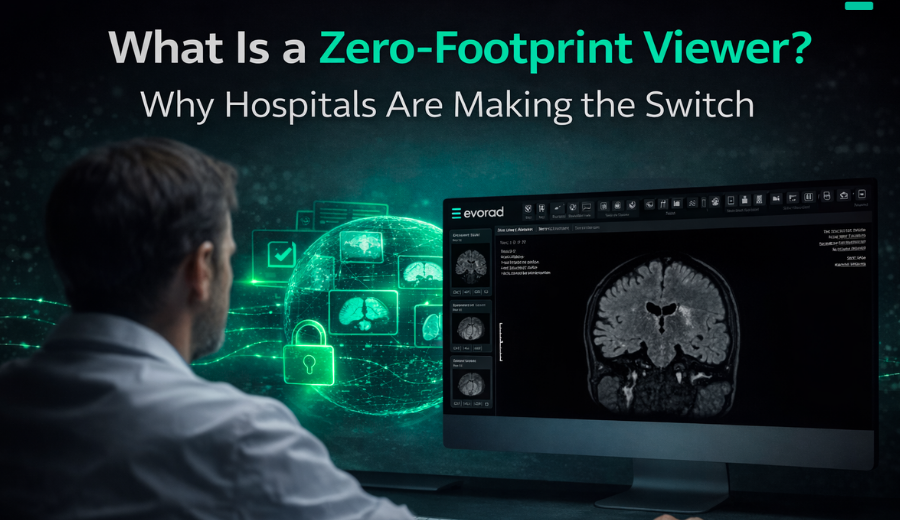
A zero-footprint viewer runs in the browser with no software to install or maintain. Radiologists can read from any approved device, sub-second image loading removes dead time between studies, and IT no longer manages client installs across sites.
2. A unified, vendor-neutral worklist
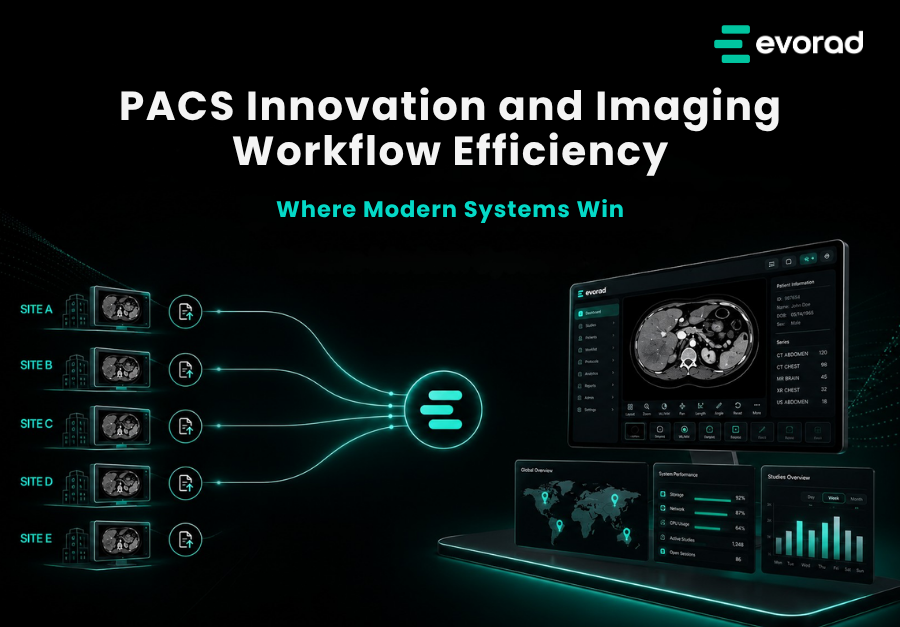
Instead of one queue per site or per modality, a unified worklist presents all studies in a single, prioritised view. Work can be balanced across locations and radiologists, and nothing falls between the cracks of separate systems.
3. Intelligent routing and prefetching
Smart routing sends studies to the right subspecialist or site automatically, while prefetching retrieves relevant priors before the radiologist opens the case — removing one of the most common sources of reading delay.
4. Structured reporting
Templated, structured reporting produces consistent reports, reduces dictation time and lowers the rate of transcription errors. Consistent reports are also easier for referrers to act on and for AI tools to process.
5. Operational analytics dashboards
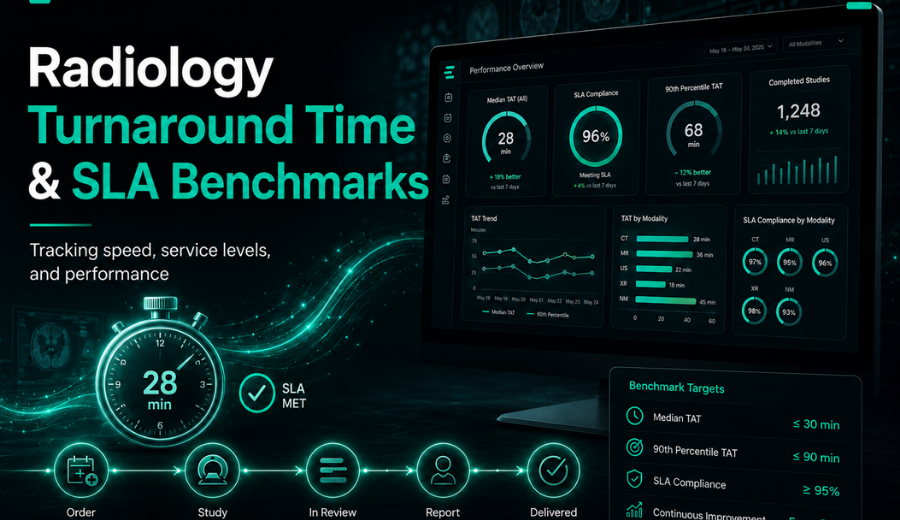
Built-in analytics make turnaround, throughput and no-show rates visible in real time. A manager can see where work is building up and act before it becomes a backlog, rather than discovering the problem weeks later.
6. Native AI integration
A modern PACS surfaces AI results inside the diagnostic viewer rather than in a separate application, so triage and detection tools become part of the workflow instead of an extra step that staff learn to skip. This aligns with a 2026 European Journal of Radiology Artificial Intelligence systematic review, which examined AI models for automated MRI and CT protocol selection and their “clinical integration, and workflow impact.” In practice, AI delivers the most operational value when it is embedded into governed radiology workflows, not treated as a standalone tool.
Legacy PACS vs modern PACS
| Dimension | Legacy PACS | Modern PACS |
| Deployment | On-premise, capex-heavy | Cloud-native or hybrid |
| Viewer | Fat-client install per workstation | Zero-footprint, browser-based |
| Worklist | Separate per site or vendor | Unified and vendor-neutral |
| Storage | Vendor-coupled, fixed | Tiered and scalable |
| Updates | Disruptive, scheduled upgrades | Continuous and low-impact |
| AI | Bolt-on, separate screen | Integrated into the viewer |
| IT burden | High — constant firefighting | Lower — vendor-managed infrastructure |
How to measure imaging workflow efficiency
Improvement that is not measured tends not to last. Before changing any system, record a baseline for the metrics that matter, then track them over time.
- Report turnaround time (TAT) — from study completion to verified report, the headline measure referrers care about.
- Exam-to-report time and reading backlog — how many studies are waiting and for how long.
- Scanner utilisation and throughput per session — how fully the centre’s most expensive assets are used.
- Proportion of unscheduled or emergency studies — a driver of unpredictability in the worklist.
- No-show rate — wasted slots that could have served waiting patients.
- Repeat and duplicate exam rate — a direct signal that priors are not reaching the reading room.
- IT ticket volume — a proxy for how much effort the platform itself consumes.
Why workflow efficiency is a commercial issue
It is tempting to treat workflow efficiency as a purely operational concern — something for the IT team and the practice manager. For an imaging centre, it is also a commercial one. Referrers choose where to send work, and they choose the centre that reports quickly, reliably and without being chased.
Every inefficiency translates into one of three commercial costs. The first is lost capacity: time a scanner sits idle, or a study that has to be repeated, is revenue that cannot be recovered. The second is lost referrals: when turnaround slips, referrers quietly redirect their work, and that loss rarely announces itself. The third is staff cost — both the overtime spent clearing backlogs and the slower, harder-to-measure cost of turnover when experienced people burn out under a workflow that fights them.
Framed this way, a workflow improvement is an investment with a measurable return, not an overhead. A centre that shortens turnaround protects its referral base; a centre that removes duplicate exams recovers scanner capacity it is already paying for. This is why the metrics above matter: they turn an abstract idea of efficiency into numbers a centre can put in front of its own management.
The single change with the widest commercial effect is usually fixing access to prior studies. When priors are scattered across separate archives, vendors or CDs, radiologists either read without the full picture or wait while images are retrieved — and patients are sometimes rescanned unnecessarily. Consolidating priors into one accessible archive removes that friction from every relevant study at once.
Improving workflow efficiency without replacing everything overnight
A full platform change is not always the right first move. Efficiency gains can be sequenced.
- Map the current pathway and time each stage from referral to report distribution.
- Find the largest bottleneck — most often report turnaround or prior retrieval.
- Consolidate viewers and worklists so radiologists work in one environment across sites.
- Fix prior access with a unified archive or vendor-neutral archive, eliminating duplicate exams.
- Standardise reporting with shared structured templates.
- Switch on analytics and review the key metrics weekly, not quarterly.
- Layer AI onto the highest-volume study type once the workflow underneath is stable.
A platform built for growing centres
Independent and mid-sized imaging centres rarely have spare IT capacity, so the real win is an integrated platform rather than another point tool to manage. A PACS solution for growing imaging centres consolidates evoPACS, routing and reporting so a centre can scale capacity without adding overhead.
Within the Evorad platform, evoPacs handles image management, evoRIS manages scheduling, orders and reporting status, and maestro ties the workflow together — the integration is the point, not each module on its own.
________________________________________________________________
See workflow efficiency built in, not bolted on
If volume is rising faster than your stack can handle, the fix is an integrated platform rather than more tools. Explore the PACS solution for growing imaging centres, or book a 20-minute demo to see it on your own workflow.