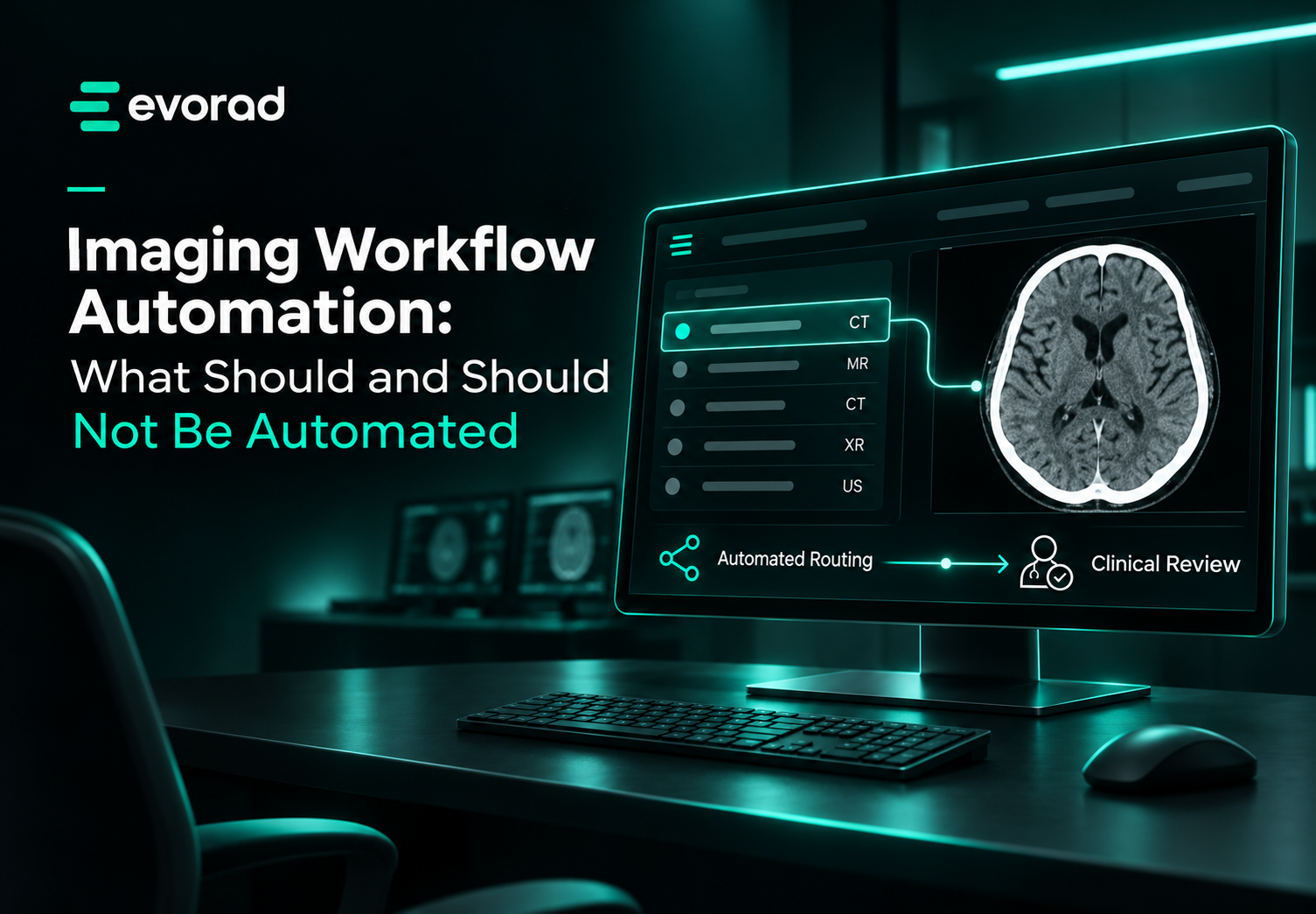
In short: Imaging workflow automation works well for routing and prioritisation, prior retrieval, worklist assembly, status updates and notification and escalation: rule-based, high-frequency decisions. It works poorly for complex protocol selection, quality judgement and clinical escalation decisions, where no rule set captures the exceptions that matter.
Imaging workflow automation succeeds where decisions are rule-based and repetitive. It fails where clinical judgement is doing quiet work that nobody documented. This guide sets out which parts of the radiology workflow to automate, which to leave with clinicians, and how to introduce automation without locking in the workarounds you already have. It sits within our wider guide to
radiology workflow orchestration.
What makes a task suitable for imaging workflow automation?
Three properties, and a task needs all three.
- The decision is rule-expressible. The inputs that determine the outcome can be listed. If experienced staff cannot explain why they made a particular call, the rule set will not capture it either.
- It repeats at high frequency. Automating a decision made twice a week returns little and still carries maintenance cost.
- Errors are visible and recoverable. A misrouted study surfaces quickly and can be re-routed. A silently mis-set protocol may not surface until interpretation.
Tasks failing the first test are the common trap, because they often look rule-based from outside. Protocol selection is the standard example: straightforward in most cases, and the exceptions are exactly where the clinical value sits.
6 radiology tasks that benefit from automation
| Task |
What automation does |
Effect |
| Case routing |
Scores studies by urgency, SLA position, subspecialty and availability |
Removes manual triage; largest single gain |
| Prior retrieval |
Fetches relevant comparisons across facilities at ingest |
Interpretation happens with full context |
| Worklist assembly |
Consolidates cases from all sources into one ordered view |
Removes search time between cases |
| Status propagation |
Updates exam state across systems as work progresses |
Removes manual chasing and reconciliation |
| Notification and escalation |
Alerts on critical findings; escalates if unacknowledged |
Closes the loop reliably |
| SLA monitoring |
Surfaces studies approaching breach automatically |
Removes background vigilance from radiologists |
Routing is the highest-return item on this list. A 2025 quality improvement study in Oman, published in the
Asian Pacific Journal of Cancer Prevention, reported turnaround compliance rising from 88% in June 2023 to 95% in March 2024 after introducing standardised triage, operating procedures and closer interdepartmental coordination. For how urgent cases should be handled once routing is automated, see
STAT prioritisation in teleradiology, and for the targets routing protects, see
radiology turnaround time and SLAs.
What should not be automated?
Four areas where automation reliably disappoints.
Complex protocol selection. Routine protocols automate well. Cases with contraindications, prior surgery, unusual anatomy or ambiguous clinical questions do not, and these are where protocol decisions matter most.
Quality judgement. Whether a study is diagnostic is a clinical assessment. Automated checks catch technical faults, such as missing series or incorrect orientation, but not marginal diagnostic adequacy.
Clinical escalation decisions. Automation should notify and escalate on defined triggers. Deciding whether a finding warrants a conversation rather than a report is clinical work.
Reporting itself. AI can support
structured report generation, but the reporting radiologist remains the author and the accountable clinician. The 2024 EuroAIM/EuSoMII survey of European Society of Radiology members (Zanardo et al.) found that legal responsibility for AI-influenced decisions remains a central concern for radiologists.
How do you avoid automating a broken process?
The recurring failure mode in radiology workflow automation is automating a workaround rather than the underlying task. If technologists manually correct demographics because the
DICOM modality worklist is not enforced, automating the correction entrenches the original defect.
Automate the process you would design, not the process you inherited. Otherwise the workaround becomes permanent infrastructure.
The practical check before automating anything: ask why the task exists. If the answer describes compensating for an earlier failure, fix that instead. Inconsistent
DICOM tags across sites are a common example: normalise them first, then automate the routing that depends on them.
How should imaging workflow automation be introduced?
- Start conservative. Configure rules that closely match current manual practice. This builds trust and lets staff check that the logic produces sensible results.
- Make the reasoning visible. Radiologists who cannot see why a study was surfaced will not trust the ordering, and will go back to scanning the list by hand.
- Keep an override. Automation that cannot be overridden gets worked around instead, usually invisibly.
- Monitor and tune. If particular study types consistently breach, adjust their weighting. If subspecialty routing creates bottlenecks, tune availability thresholds.
- Agree who owns the rules. Routing rules are a clinical governance decision as much as a technical one. Our article on worklist governance covers who should decide who reads what.
Where Evorad fits
Evorad automates the coordination layer and leaves clinical decisions with clinicians.
maestro radiology workflow orchestration connects to your existing PACS through an API and organises the worklist by reader group, subspecialty and radiologist availability, with configurable rules and manual override. Radiologists work from one prioritised list in the Evorad exams portal while images stay in the existing PACS. Studies already designated STAT by the referring clinician or site go to the top of the list; maestro does not decide clinical urgency itself.
For reading groups that cover several sites or clients,
evoTelerad teleradiology software adds the same automated routing, cross-facility priors and SLA monitoring across a distributed network.
Book a demo to see which parts of your coordination layer are ready for imaging workflow automation
Related guides
Frequently asked questions
Does imaging workflow automation replace radiology staff?
Not in practice. It removes coordination work such as triage, chasing and searching rather than clinical work. The capacity gain appears as recovered reading time rather than reduced headcount.
What is the first process to automate in imaging?
Case routing and prioritisation, in almost all cases. It has the highest frequency, the clearest rule set and the largest measured effect on turnaround.
Can AI automate radiology reporting?
AI can support structured report generation by filling in fields the radiologist confirms or edits. It does not remove authorship or accountability, which remain with the reporting radiologist.
Do we need to replace our PACS to automate the workflow?
No. An orchestration layer such as maestro connects to the existing PACS through an API and automates routing and prioritisation on top of it.
Conclusion
Imaging workflow automation returns most where decisions are frequent, rule-expressible and visibly correctable: routing, retrieval, status and notification. It returns least where clinical judgement is doing quiet work that the rule set cannot see. Draw that line explicitly before deployment, because automation applied to judgement-dependent tasks does not fail loudly. It fails by producing plausible outputs that nobody questions.
Sources