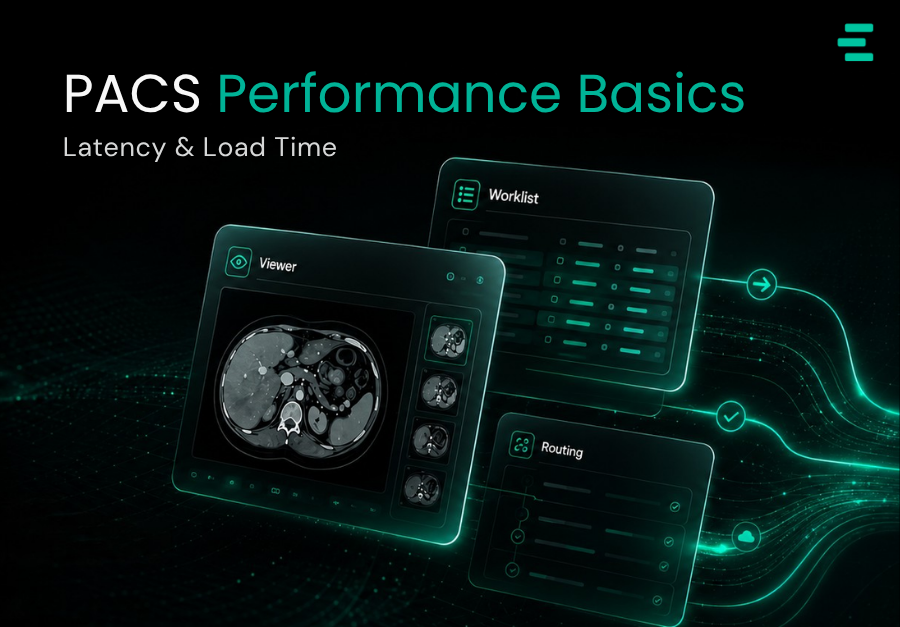
PACS Performance Basics: Latency, Load Time, and Why Clinicians Complain
Every radiology department has the same grumble. “The PACS is slow.” Ask five radiologists what they mean by that, and you will get five different answers: the first image takes too long, scrolling stutters, priors do not appear in time, and the whole workstation freezes when multiple series open at once. “Slow” is a symptom, not a diagnosis.
For hospital IT and radiology leaders, the cost of treating PACS performance as vague is substantial. Latency shows up in turnaround times, in clinician satisfaction scores, and increasingly in retention – experienced radiologists do not stay at hospitals where the viewer fights them. This piece is a plain-language guide to what actually determines PACS performance and what modern systems should be expected to deliver.
What clinicians actually mean by “slow”
Three metrics capture most perceived PACS performance problems:
- First-image time — the time from clicking a study to the first diagnostic image being displayed. If this exceeds roughly two seconds under normal load, radiologists notice.
- Series scroll time — the time to move smoothly through a 50–500 image series. Stuttering at any point breaks flow and forces re-reads.
- Prior retrieval time — how quickly relevant priors appear for comparison. Waiting for priors is one of the most frequent sources of reading delay, and one of the least visible.
The four real causes of PACS latency
1. Network bandwidth and topology
The most obvious cause, and the one IT teams investigate first. A 10 Mbps link between a reading room and the PACS is fine until someone opens a chest CT with 800 slices; then it becomes a bottleneck (1). Hospitals with mixed network segments — some on modern gigabit fibre, others on legacy links — often have wildly different PACS experiences between buildings, and most leadership teams do not know this until radiologists escalate.
2. Queue implementation inside the PACS
Less visible but often more impactful. Research going back to a landmark USC Image Processing & Informatics Laboratory study demonstrated that PACS architectures which place all study requests into a single queue – rather than assigning each study to its own thread – dramatically slow transfer times during multi-study retrieval. This is the kind of design choice that never appears in a glossy vendor brochure, but it determines whether a Monday-morning surge grinds your viewer to a halt.
3. Client-side rendering and the viewer stack
A fast PACS with a slow viewer still feels slow. Client-side rendering — how the viewer decodes DICOM, renders volumes, and handles MPR/MIP operations — is where a lot of perceived latency actually lives. Browser-based diagnostic viewers have closed most of the historic gap with thick clients for 2D reading, and for 3D they rely heavily on server-side pre-processing to keep the client responsive.
4. Prior retrieval strategy
Prefetch-everything strategies make the first case of the day feel instant and the fifth case feel sluggish as caches fill. On-demand retrieval feels slow per-case but predictable. The best systems are adaptive — intelligent prefetch informed by worklist order and radiologist patterns, combined with fast on-demand retrieval that uses progressive loading to show the first image while the rest streams.
Cloud versus on-premise in 2026
The KLAS Imaging in the Cloud 2024 report (2) found that nearly two-thirds of healthcare organisations are already using or plan to use cloud for image viewing and storage within three years. The shift is driven by practical constraints: imaging volumes grow by terabytes per month, on-premise storage hits capacity limits, and cloud elasticity handles peaks that on-premise hardware cannot.
Performance-wise, the picture is more nuanced than “cloud equals fast”. Well-architected cloud PACS deliver sub-second first-image loads with edge caching and CDN-style image delivery. Poorly architected cloud PACS adds latency over a local network. The question to ask vendors is not “Is it cloud?” but “What is the measured first-image time and series scroll time on representative hospital bandwidth?”
Benchmarks radiology leaders should demand
Before signing a PACS contract, insist on benchmark numbers that are tested on your own bandwidth and case mix:
Vendors who cannot produce these numbers for your environment, or who offer only generic benchmarks from a lab setup, are usually the ones whose systems clinicians will complain about at 10am the first Monday after go-live.
- First-image time under a cold cache, warm cache, and mixed concurrent-user load.
- Series scroll smoothness on the largest routinely used study (typically chest CT or CTA).
- Prior retrieval time from deep archive versus recent storage tier.
- Queue behaviour under Monday-morning load — i.e., what happens when 30 radiologists open studies simultaneously.
Where modern PACS is heading
The current generation of cloud-native PACS platforms—Evorad’s evoPacs among them — is built around vendor-neutral interoperability, scalable cloud architecture, and zero-footprint diagnostic viewing. Those are not premium features any more. They are the baseline. Any PACS procurement in 2026 that does not include them as defaults is purchasing yesterday’s infrastructure at tomorrow’s prices.
The bottom line
“The PACS is slow” is rarely one problem. It is usually a combination of bandwidth, queue design, viewer performance, and prior-retrieval strategy — and modern systems should measure and publish their performance on each. For imaging leaders, the right response to persistent clinician complaints is not another ticket to IT. It is a benchmark plan: measure first-image time, series scroll, and prior retrieval on your actual environment, and hold any PACS — current or prospective — to the numbers.
References
- Cao F, Huang HK, Documet J. Predicting Clinical Image Delivery Time by Monitoring PACS Queue Behavior. Journal of Digital Imaging. 2006;19(4):342–350. PMID: 17031739
- KLAS Research. Imaging in the Cloud 2024 Report. Referenced in: Medicai, Migrating to Cloud PACS Advantages. 2025.